Affiliations
An affiliation can be a faculty name that you want to use to categorize your projects.
Find the following sections below:
How to Create an Affiliation
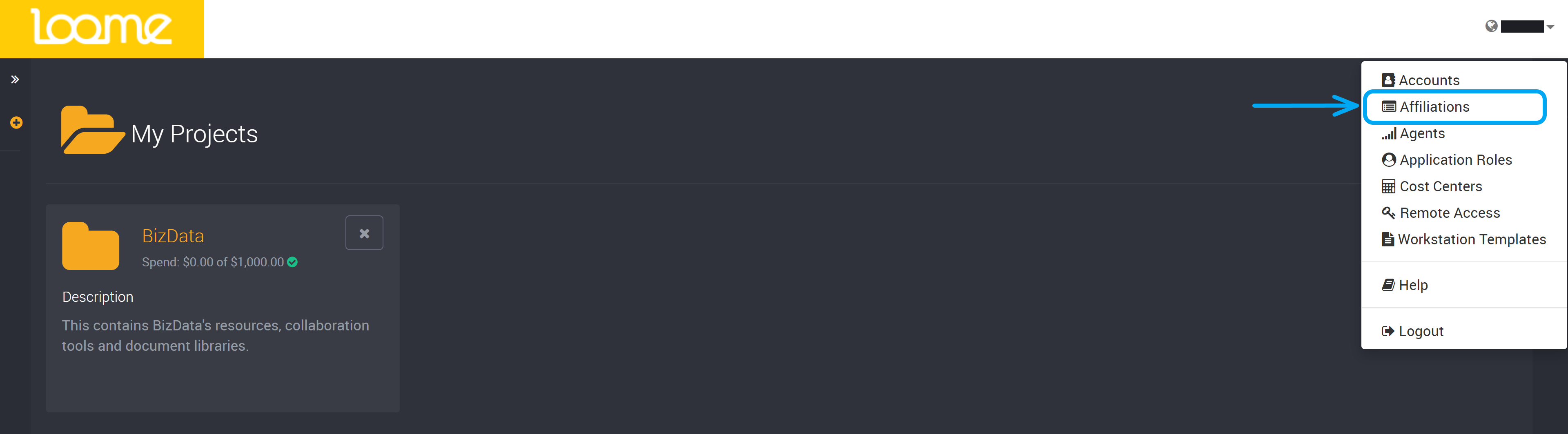
To create an affiliation, find ‘Affiliations’ in the top-right settings dropdown.
On this page, click on Add Affiliation at the top-right.

Type in the name of the affiliation you would like to create.
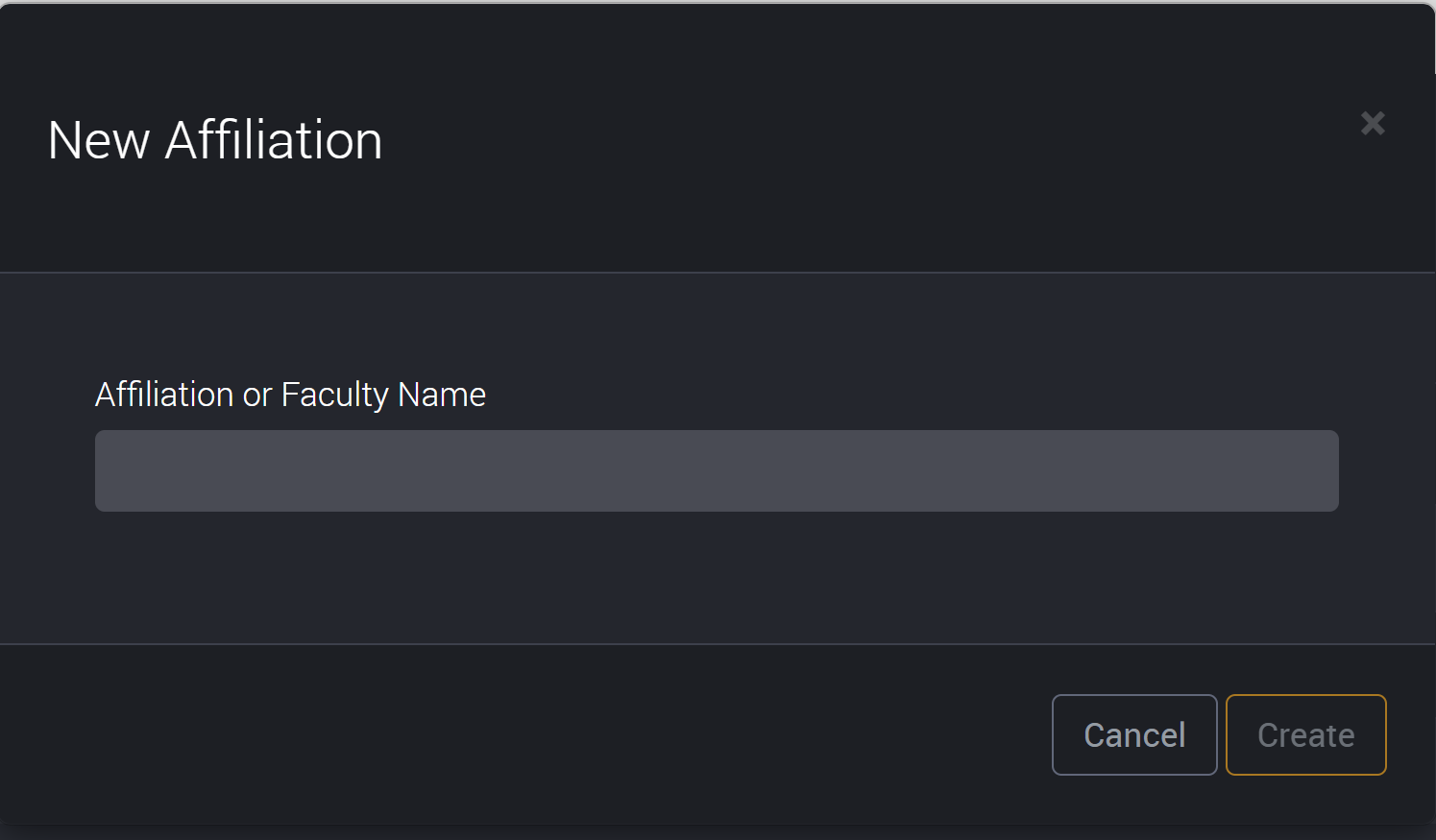
Click on Create to save and it will be ready to use in a project.
How to Edit an Affiliation
To edit an affiliation, click on the edit button on the right of an affiliation’s row.

You can then make your changes to the affiliation and then click on update in the bottom corner.
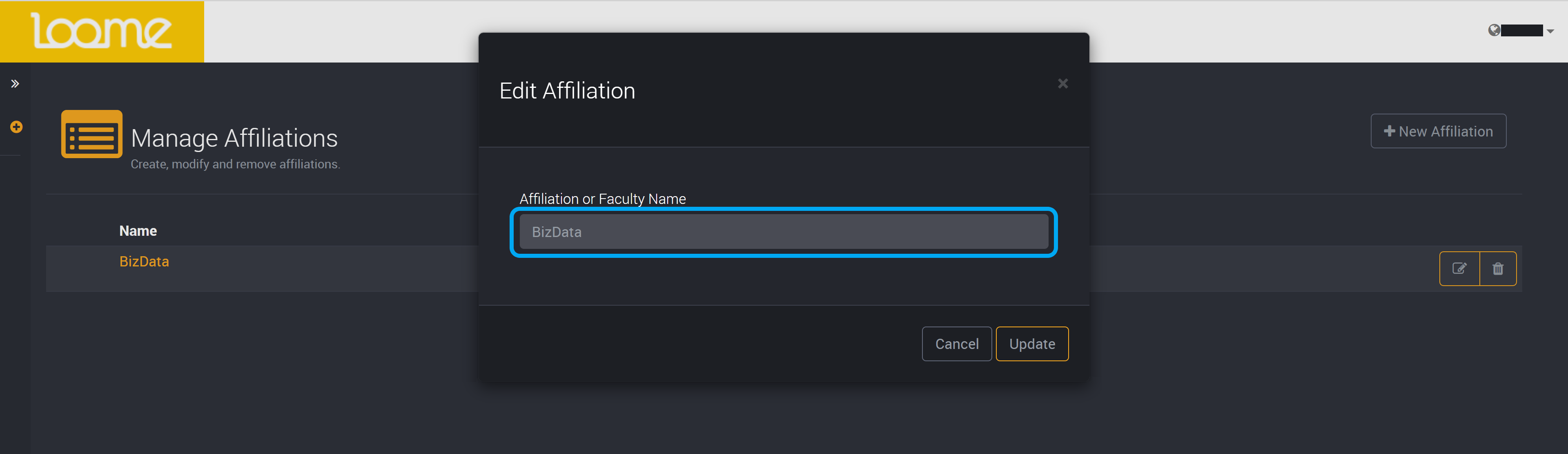
Your changes will have been saved.
How to Delete an Affiliation
To delete an affiliation, click on the delete button on the right of its row.

You will then have to confirm that you would like to delete the affiliation.

Your affiliation is then deleted.