Aconex V2 Application
Description
Aconex is a project management tool. It is used to import data and documentation through our data migration task type.
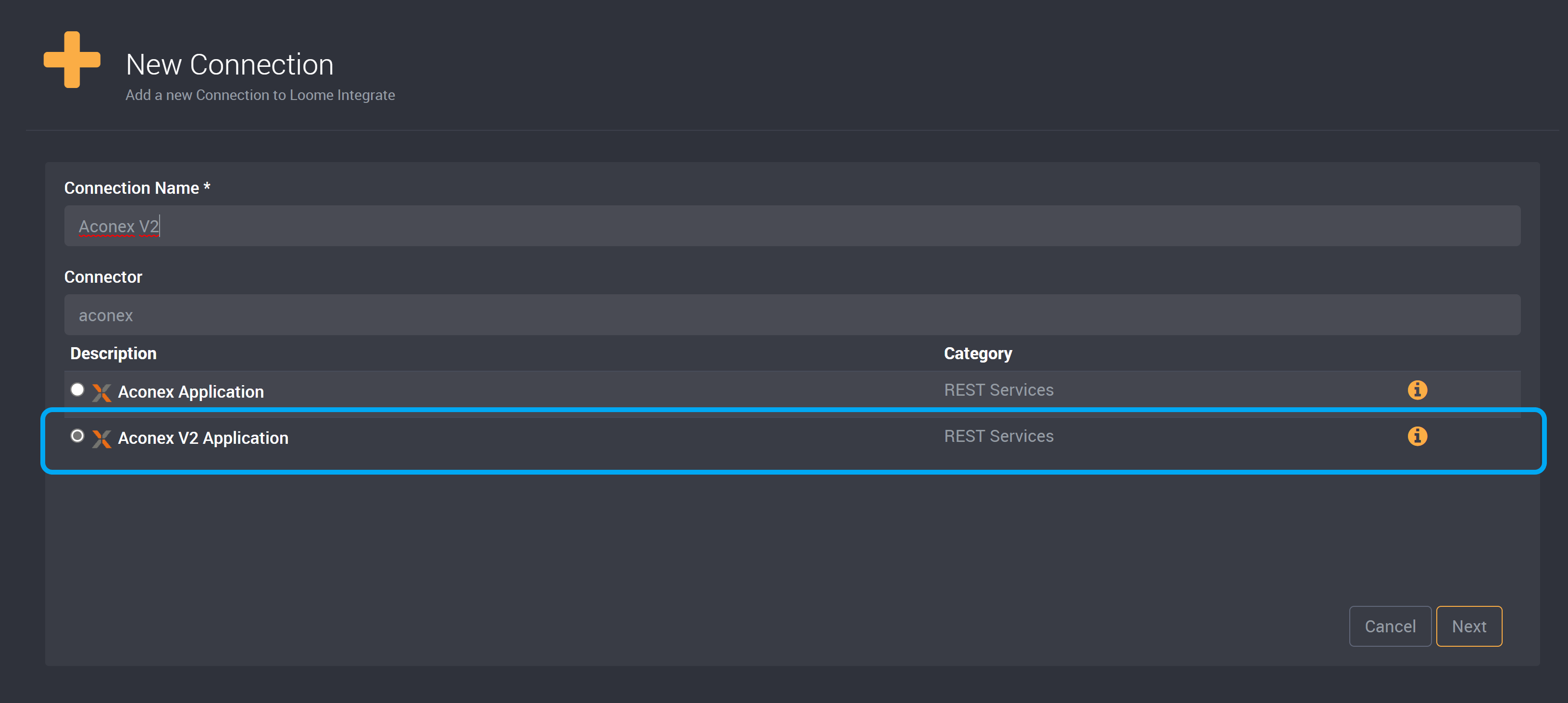
Task Type Support
This connection type supports the following task types:
- Data Migration
Data Migration Support
This connection can be used in a Data Migration.
| Usable as Source | Usable as Target | Usable as Incremental Source | Usable as Incremental Target |
|---|---|---|---|
| ? | ? | ? | ? |
The Aconex API is extremely throttled especially with concurrent requests. If you are experiencing connection dropouts during Data Migrations of multiple tables it’s recommended that you either turn off parallel data migrations or lower the degree of parallelism.
Connection String Templates
| Template Name | Description |
|---|---|
| Aconex V2 Application | Requires an Aconex Username and Password, as well as an application key, host and project ID. |
You can find the following template for this connection string when creating the connection under Template.
Host=HostURL;Project=ProjectId;ApplicationKey=AppKey;FieldManagementApplicationKey=AppKey;PackageApiPageSize=100;WorkflowApiPageSize=500;MailApiPageSize=100;DocumentApiPageSize=100;FieldManagementApiPageSize=100; RetryCount=3;
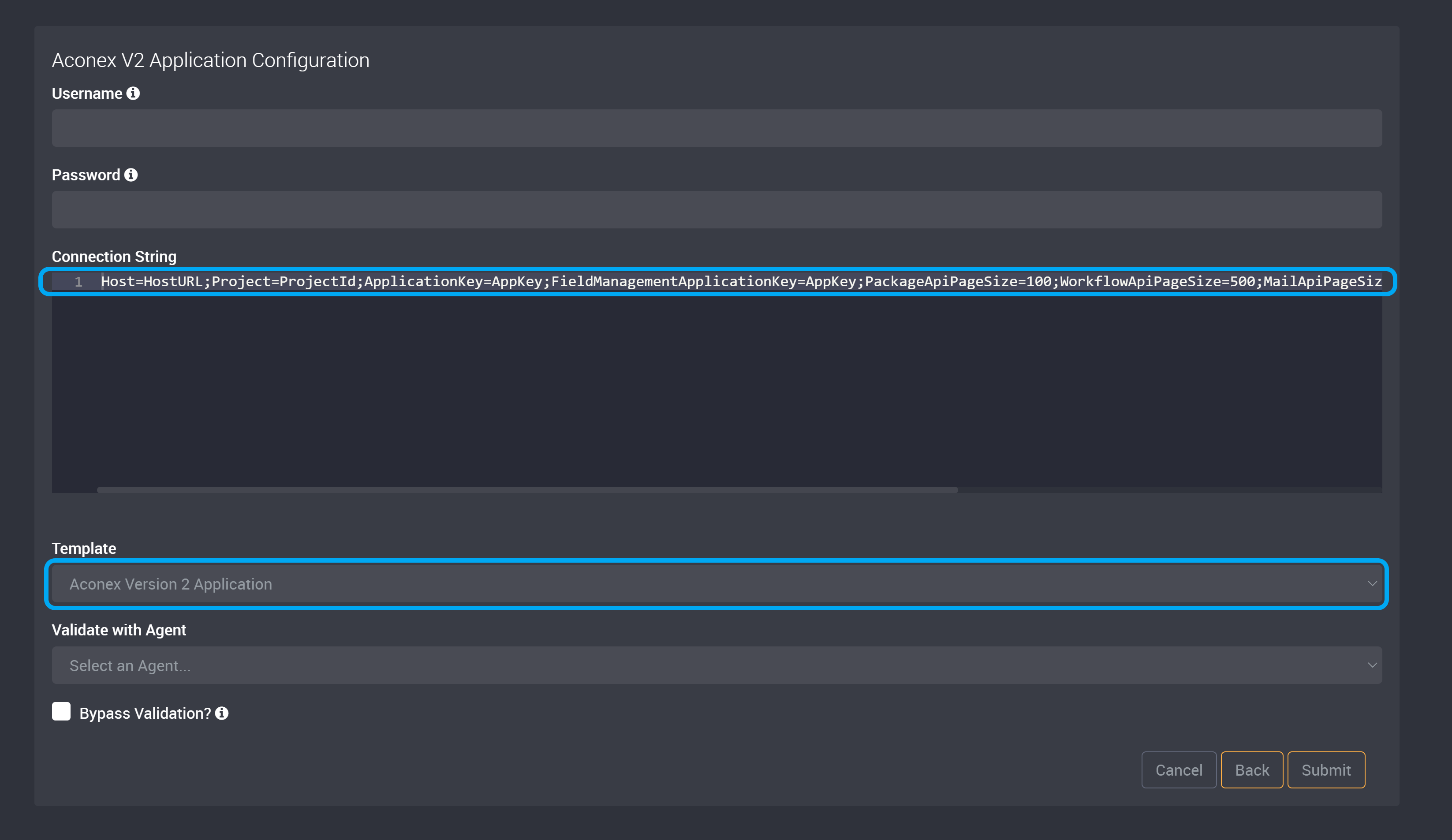
The template includes the following fields.
| Field | Description |
|---|---|
| Host | Indicates the host URL of the Aconex API. |
| Project | Aconex project ID. |
| ApplicationKey | API key of following APIs, Packages, Directory, Documents, Mail, and Workflows. |
| FieldManagementApplicationKey | API key for the Field API. |
| PackageApiPageSize | Page size of the Packages API. |
| WorkflowApiPageSize | Page size of the Workflows API. |
| MailApiPageSize | Page size of the Mail API. |
| DocumentApiPageSize | Page size of the Documents API. |
| FieldManagementApiPageSize | Page size of the Field API. |
| RetryCount | Number of retries in case of internal error. |
Connection Notes
- The Username and Password are the same credentials that you would use to access the Aconex portal.
- You will need to enable Aconex API Access, and you will need to get an Application Key. You can find more information on getting an Application Key here.
- To create successful incremental data migrations, you will need to define columns by extracting fields from the data column in your source. Follow our guide here to learn how to define columns and extract fields.