Discussions
How to Create a Discussion
You can create discussions about an asset.
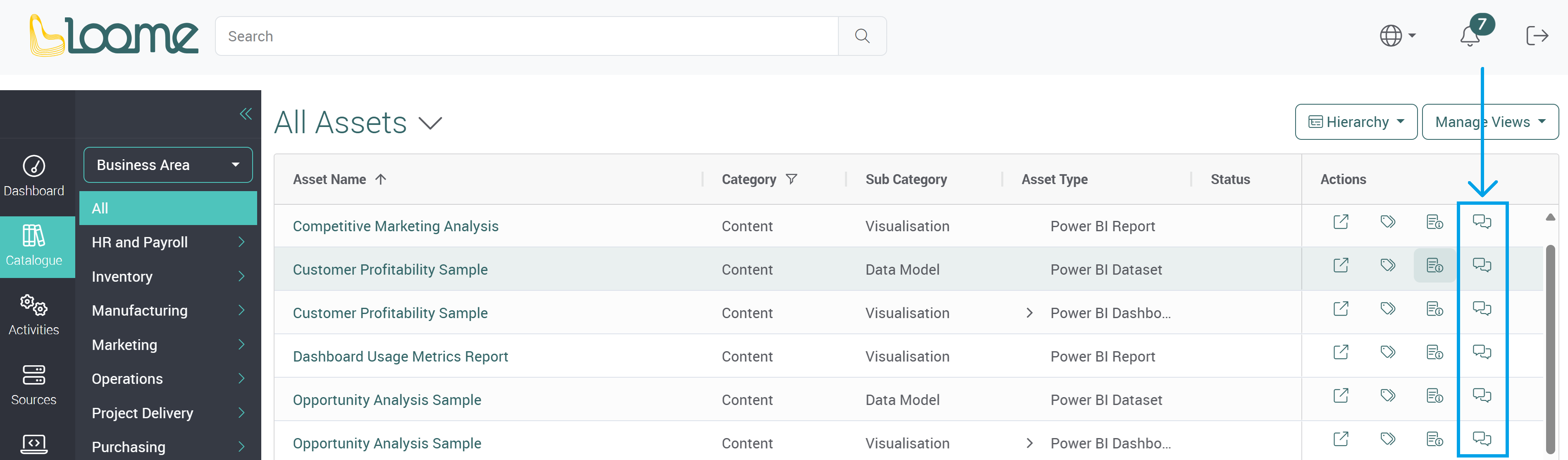
Click on Discussions under ‘Actions’ and you can create a new discussion or reply to an existing discussion.
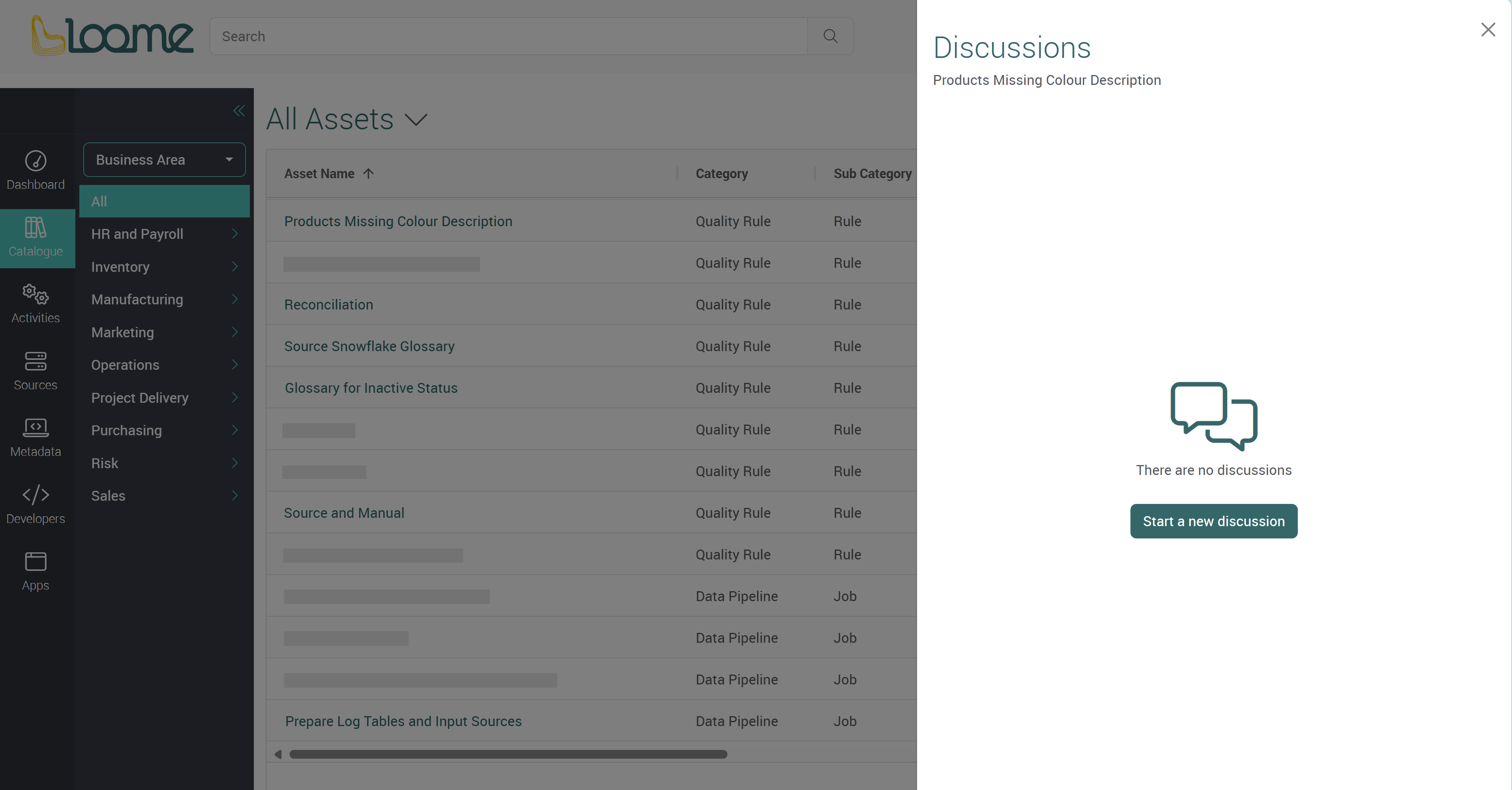
When there are no discussions, you will have the option to start a new discussion.
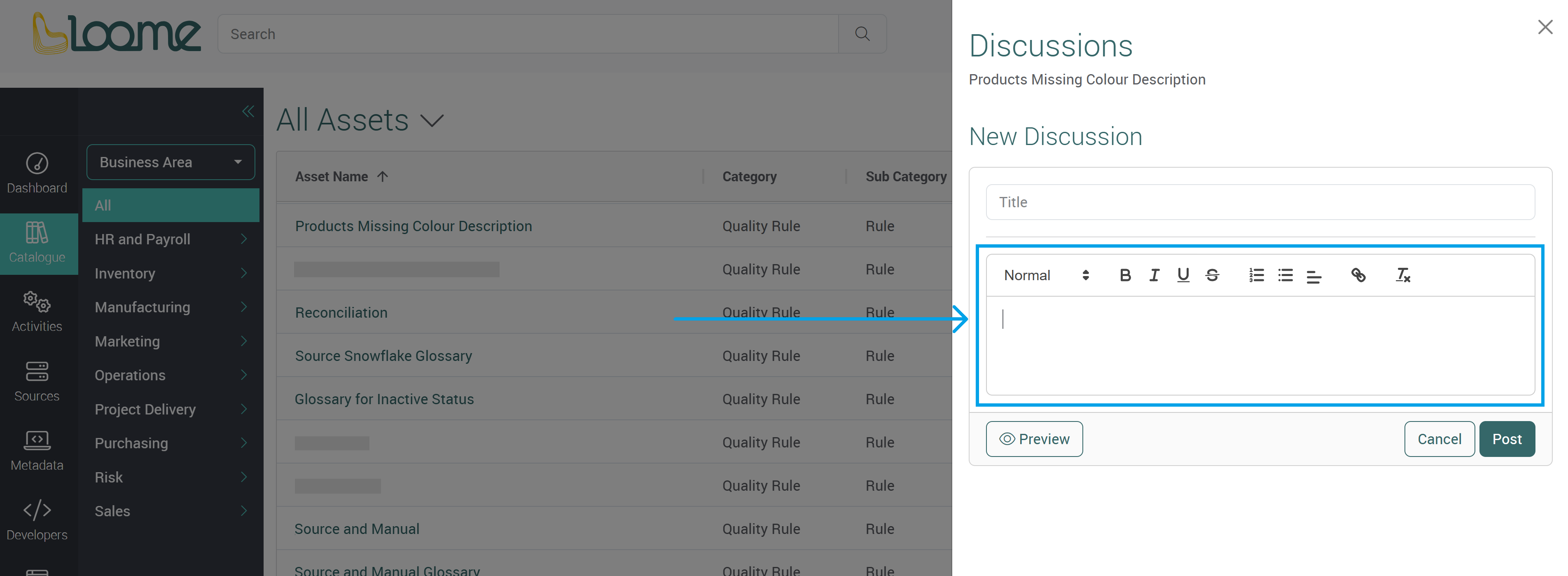
Type in a title for the discussion. This can be a summary or question. This does not have to be unique.
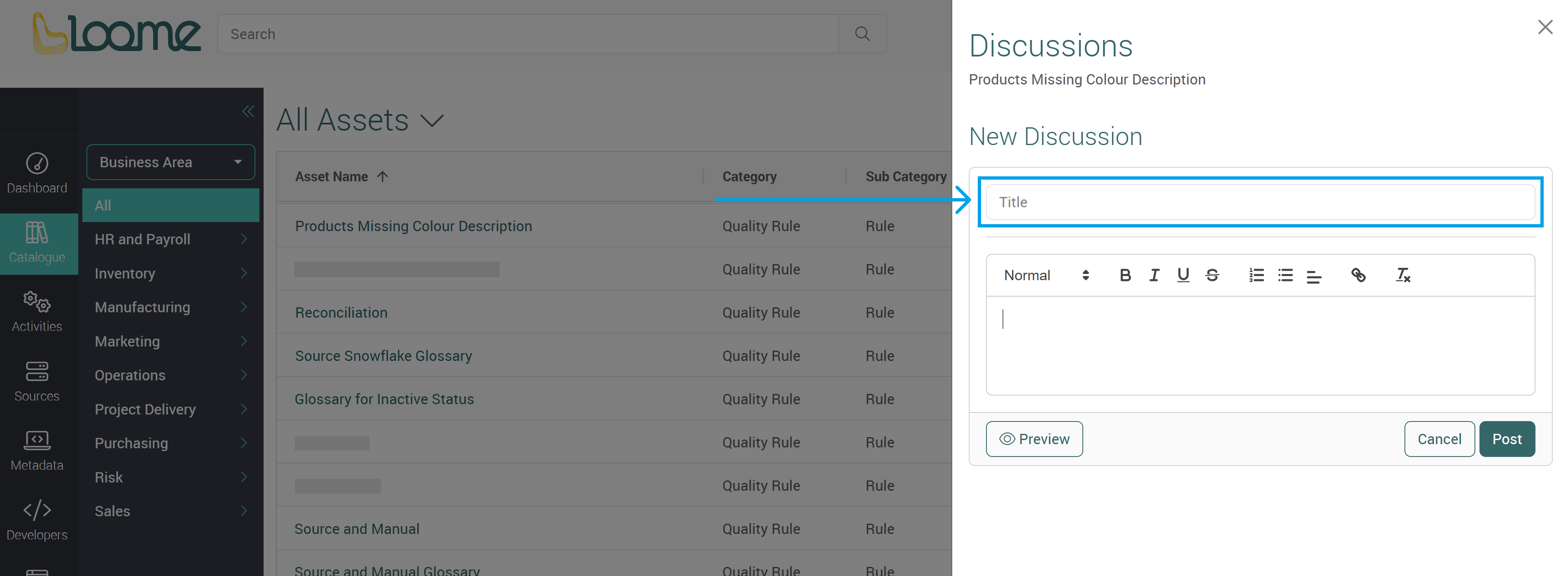
Then provide the content of the discussion.
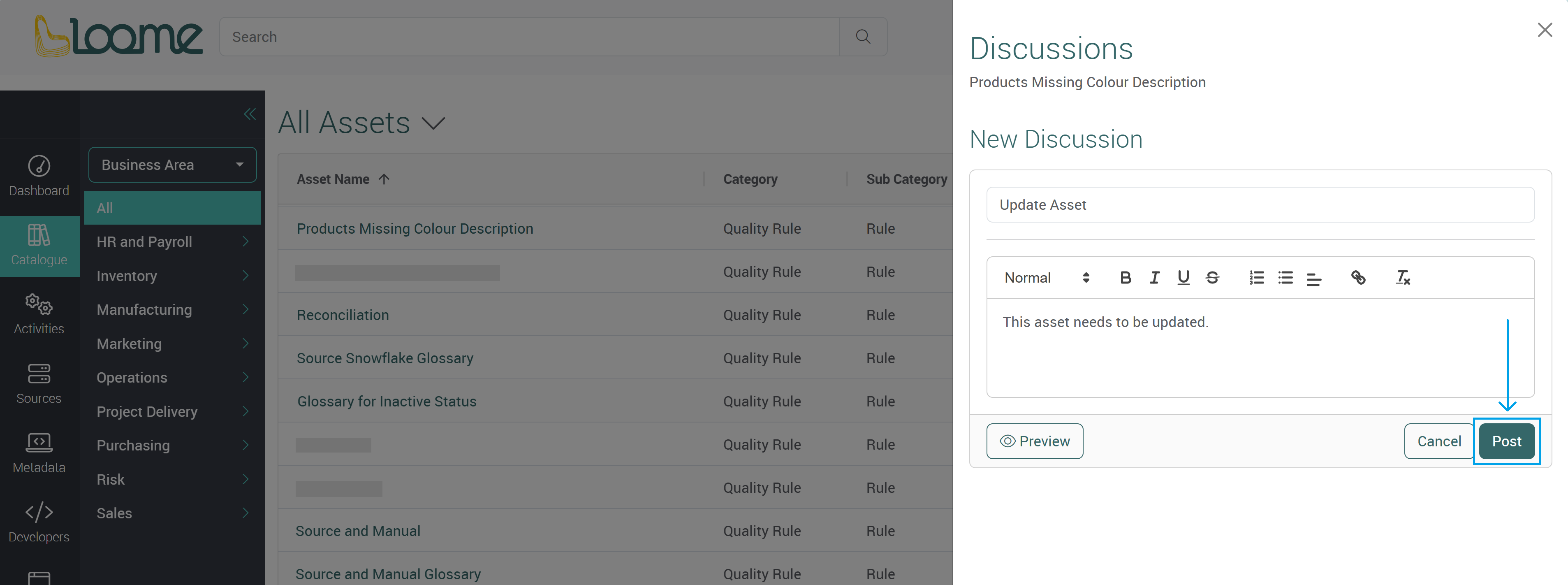
Click Post to save.
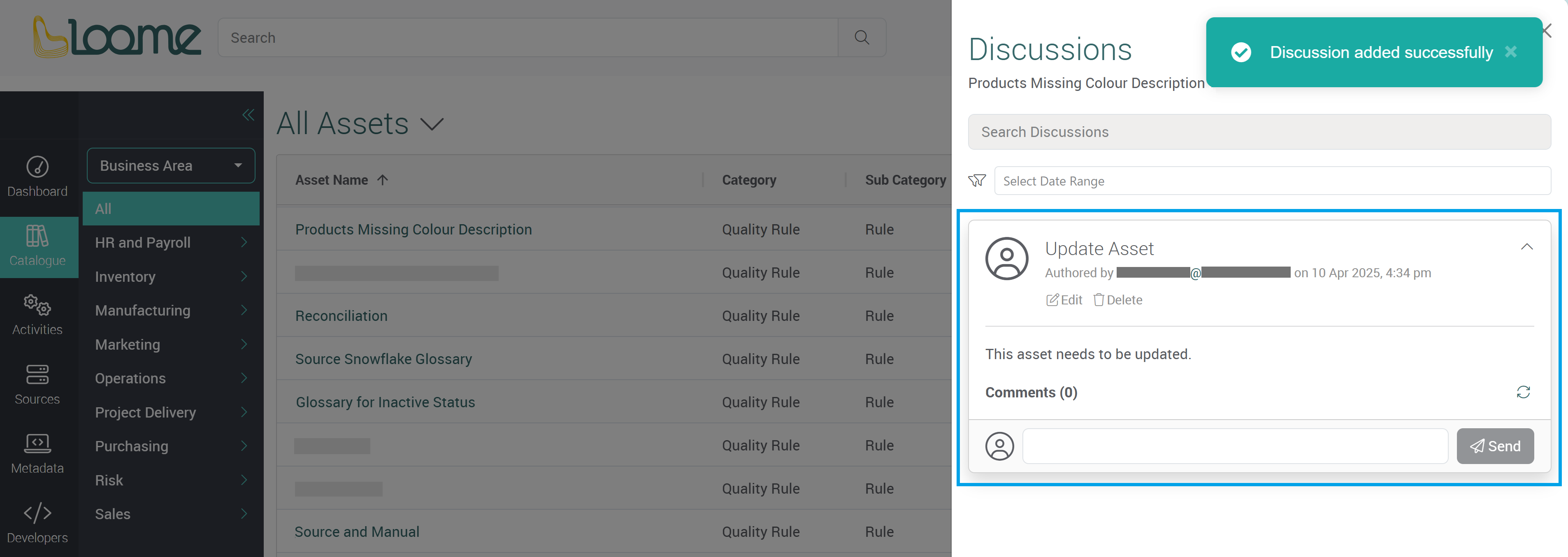
The discussion can then be seen by users in the Portal. It will display who wrote the discussion and any further comments will be displayed below.
Please note that all administrators can edit the opening discussion.
Reply to a Discussion
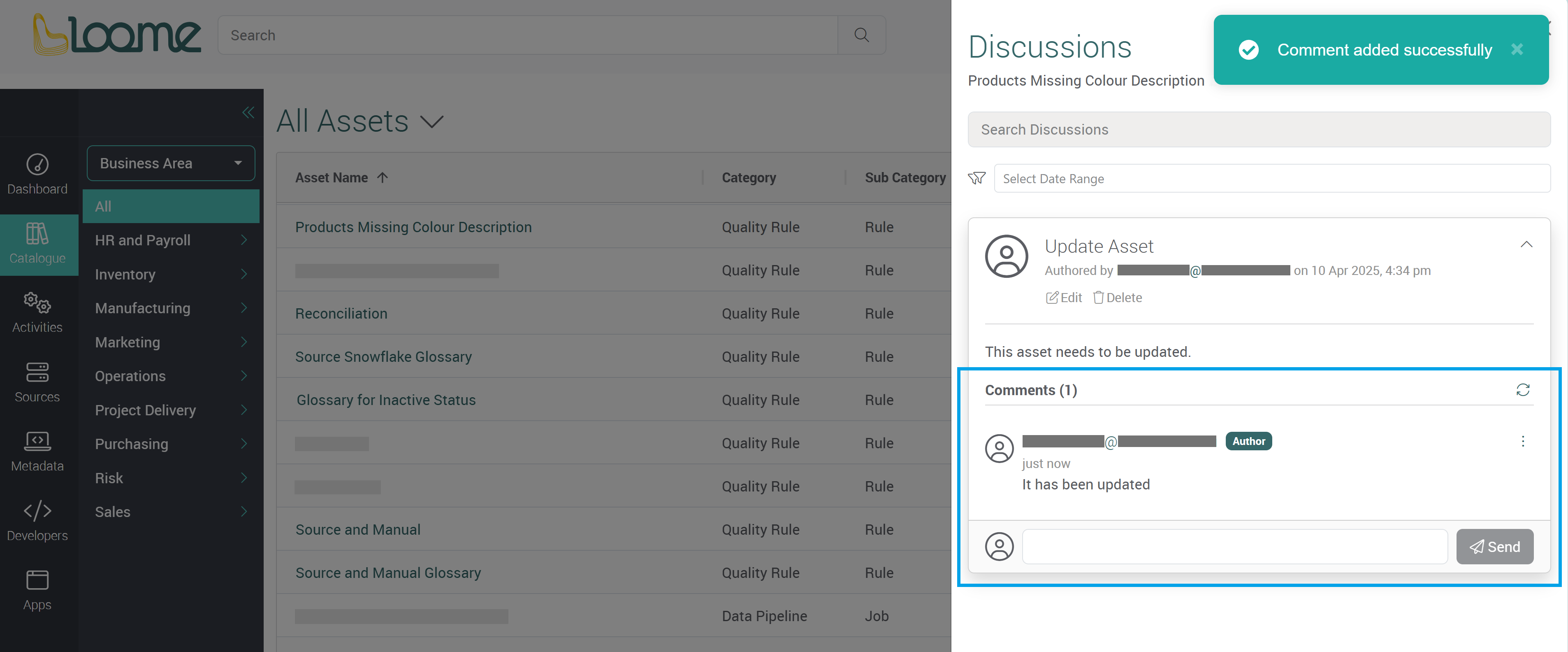
Users can then reply to the discussion in the comment field below. Click Send to share a response.
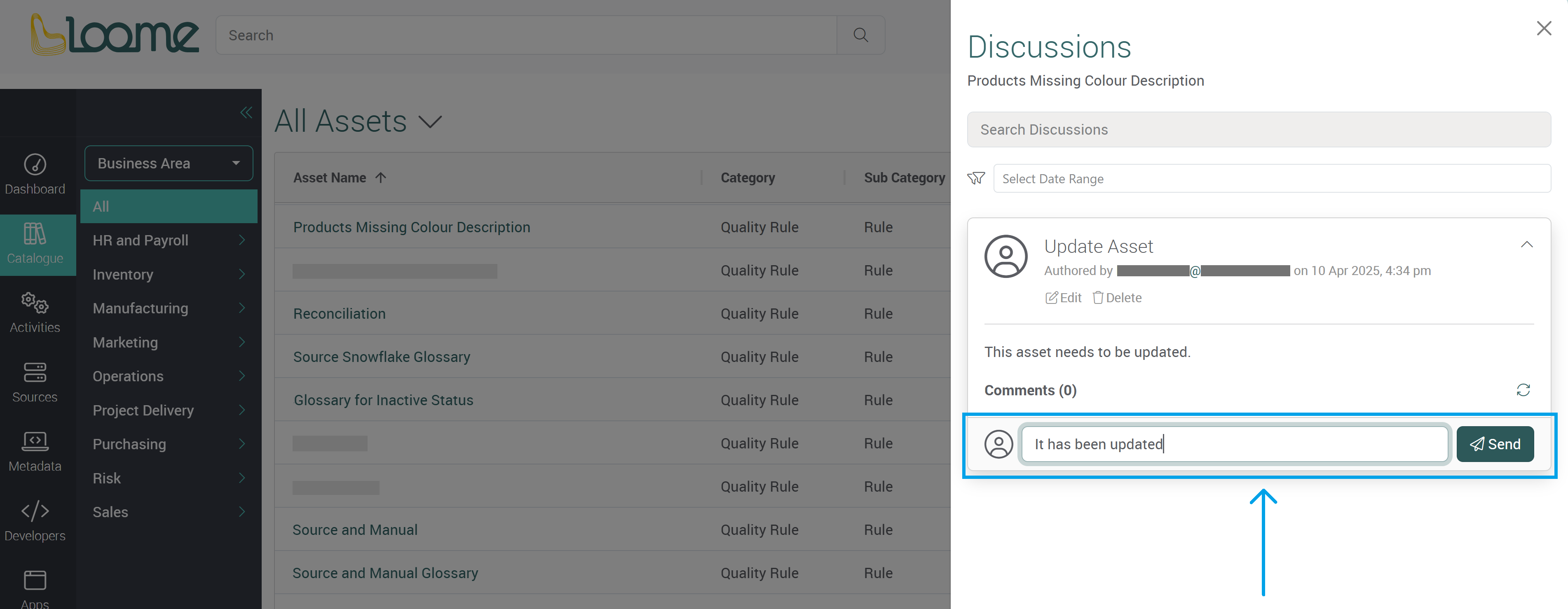
It will display the user as the author and a timestamp.
Preview a Discussion
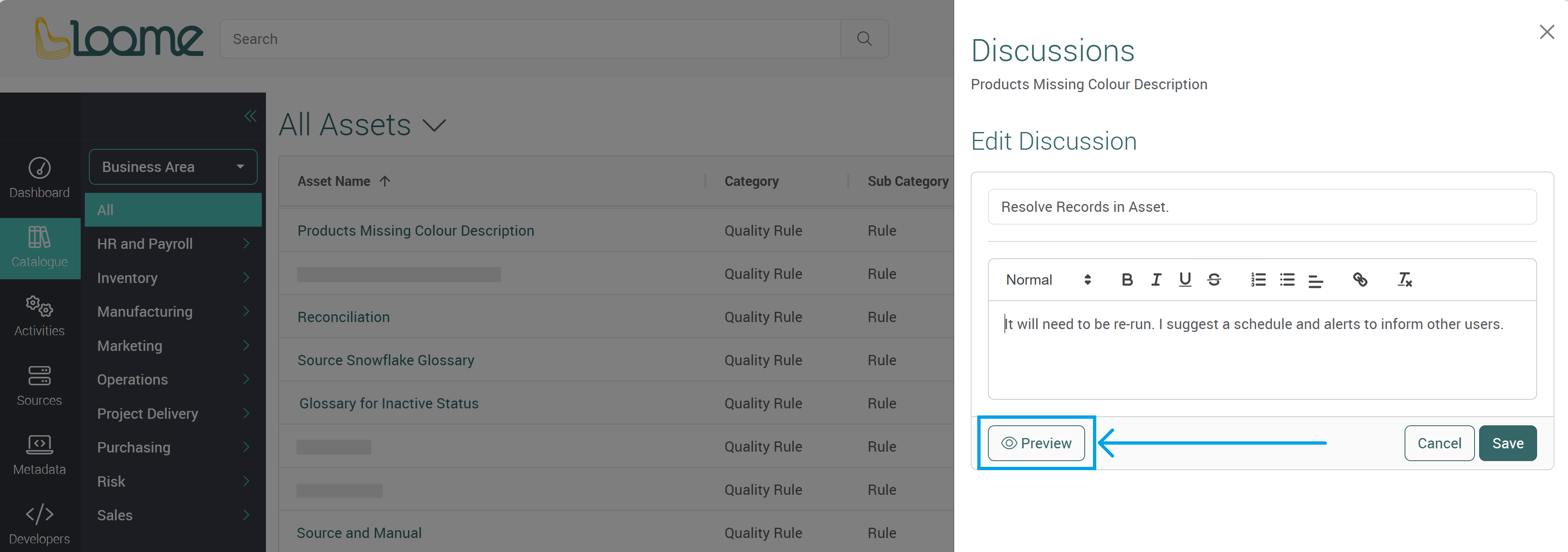
You can preview a discussion before posting it. This will display how the formatting will look to other users.
Click on Preview at the bottom-left of the discussion.
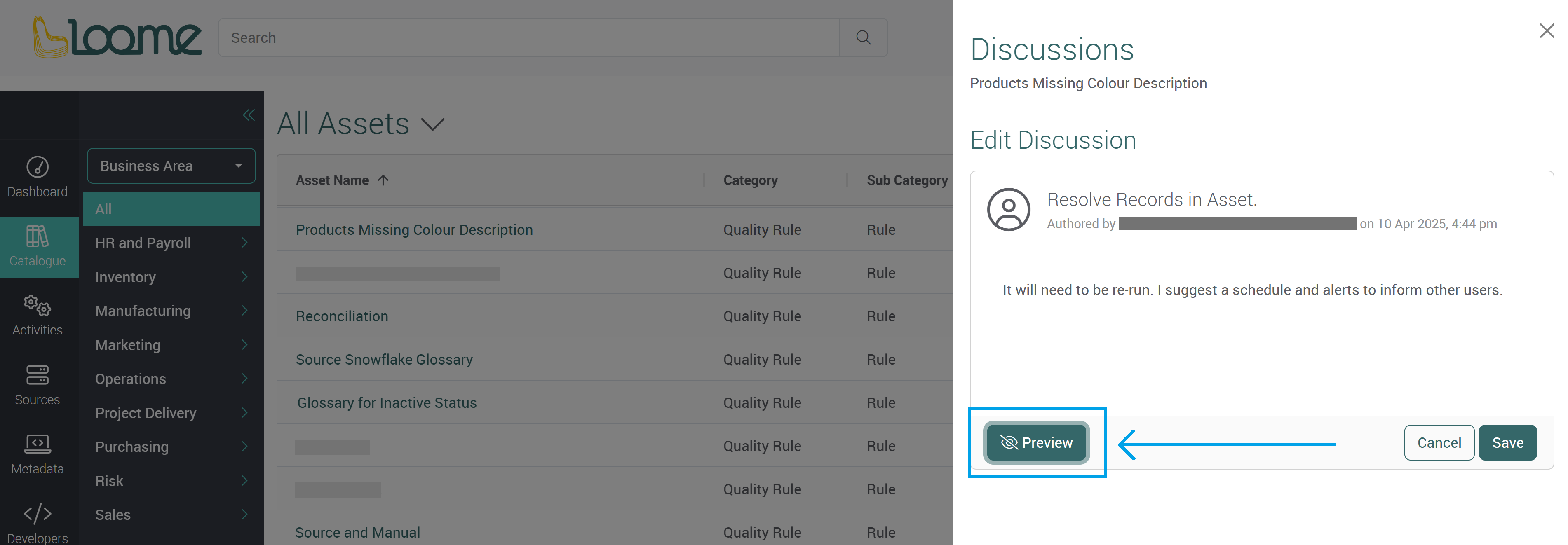
You can turn a preview off by clicking on Preview again to make changes or you can click on Save to post the discussion.
Add Further Discussions
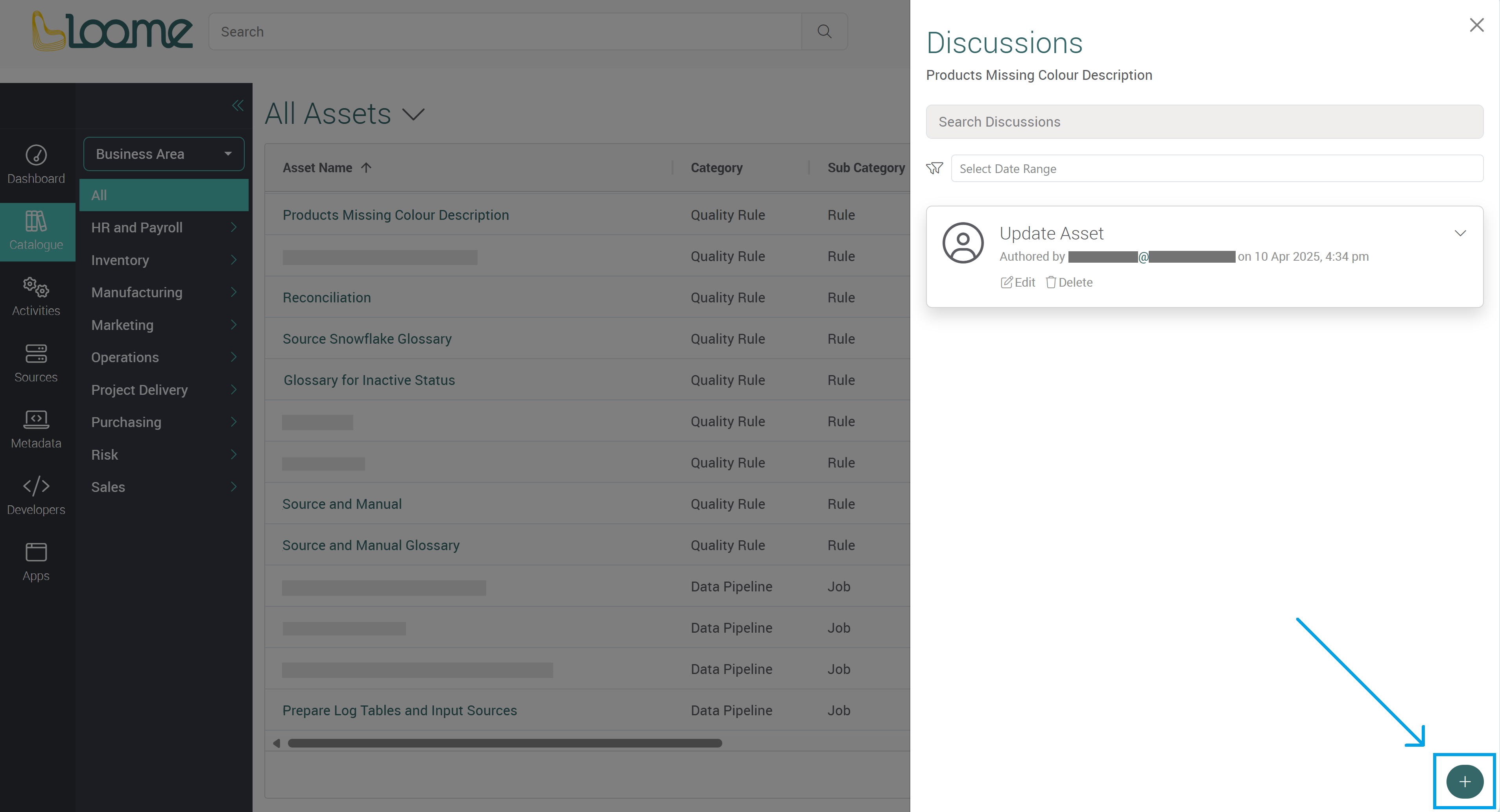
You can add another discussion using the + button at the bottom-right.
Filter Discussions
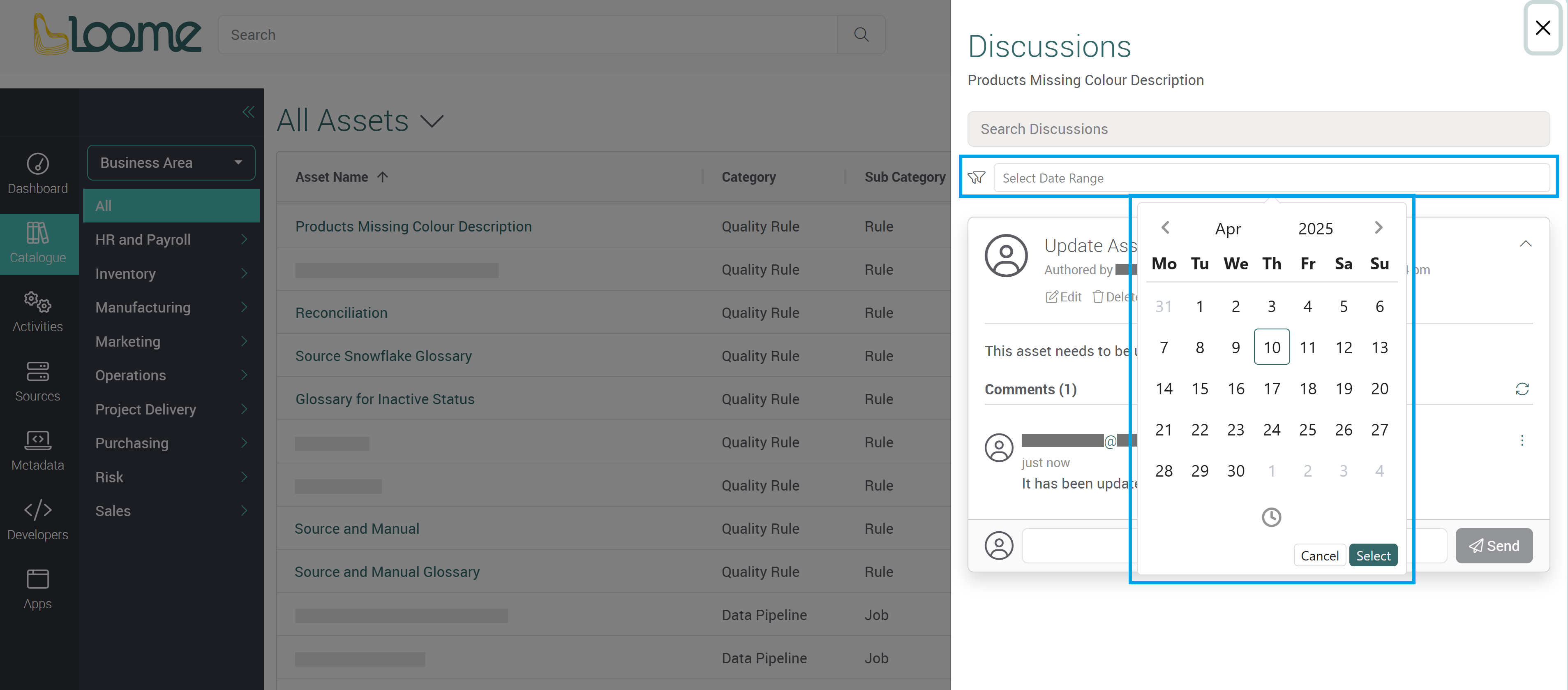
You can filter all discussions for this asset by date. Click on the filter Select Date Range to choose dates from the calendar. Click Select and it will display the relevant discussions.
Edit Discussions
You can edit your own discussions by clicking Edit beneath the discussion.
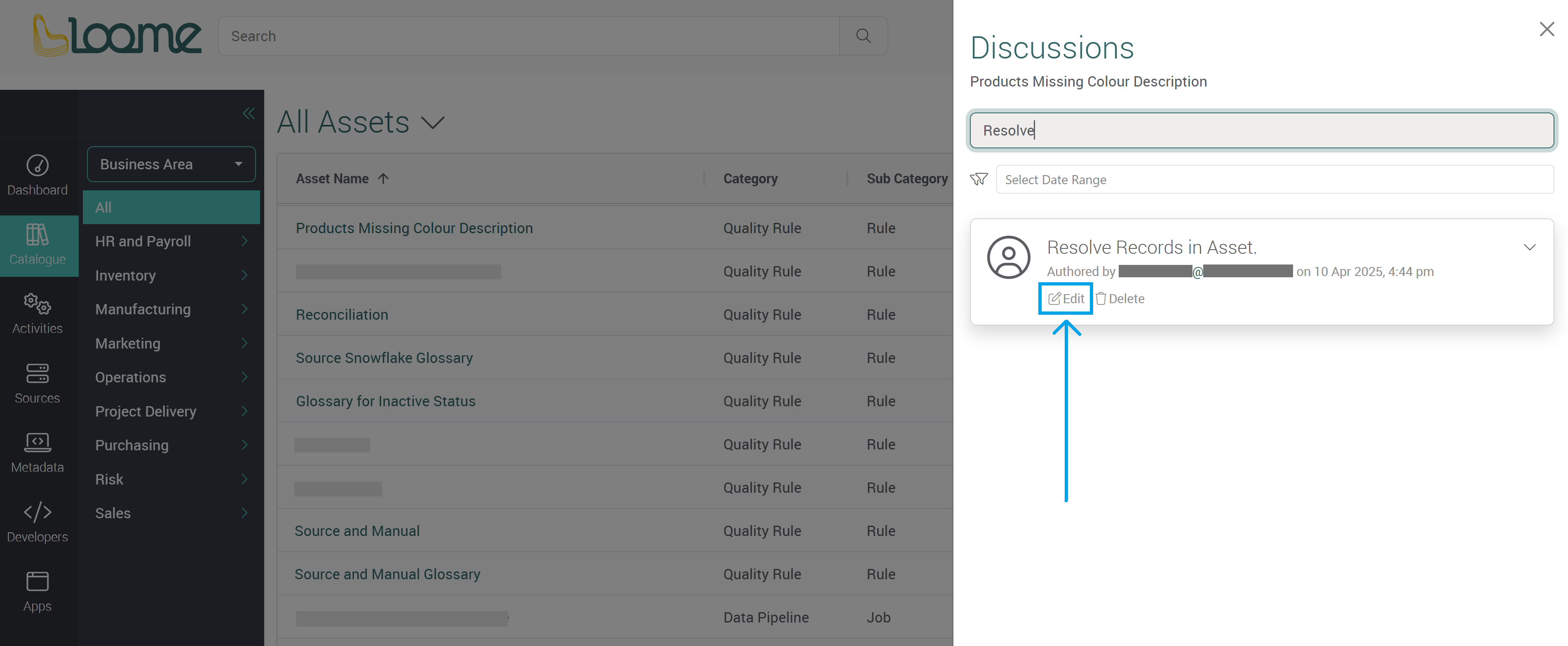
Only the author of a comment can edit their comment.
Search Discussions
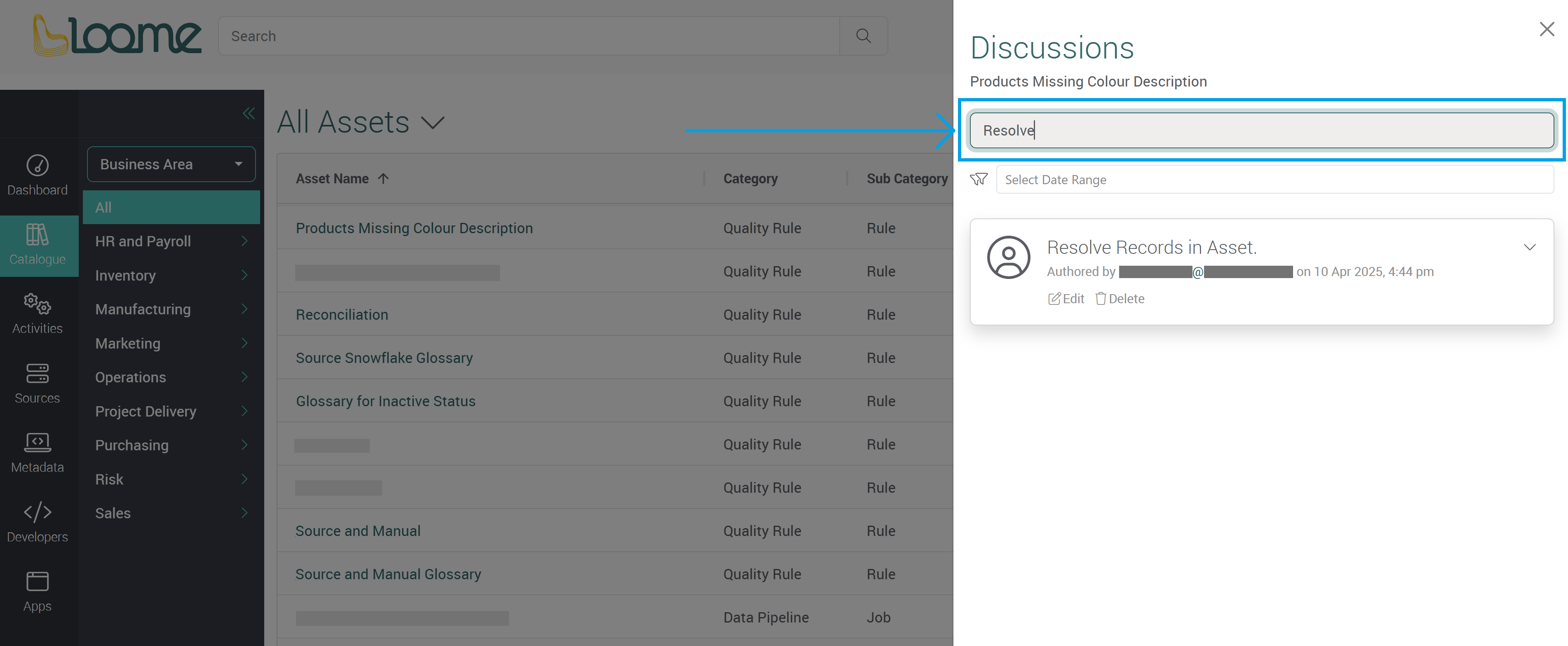
You can search all discussions using the Search Discussions searchbox at the top of the slideout.
Delete Discussions
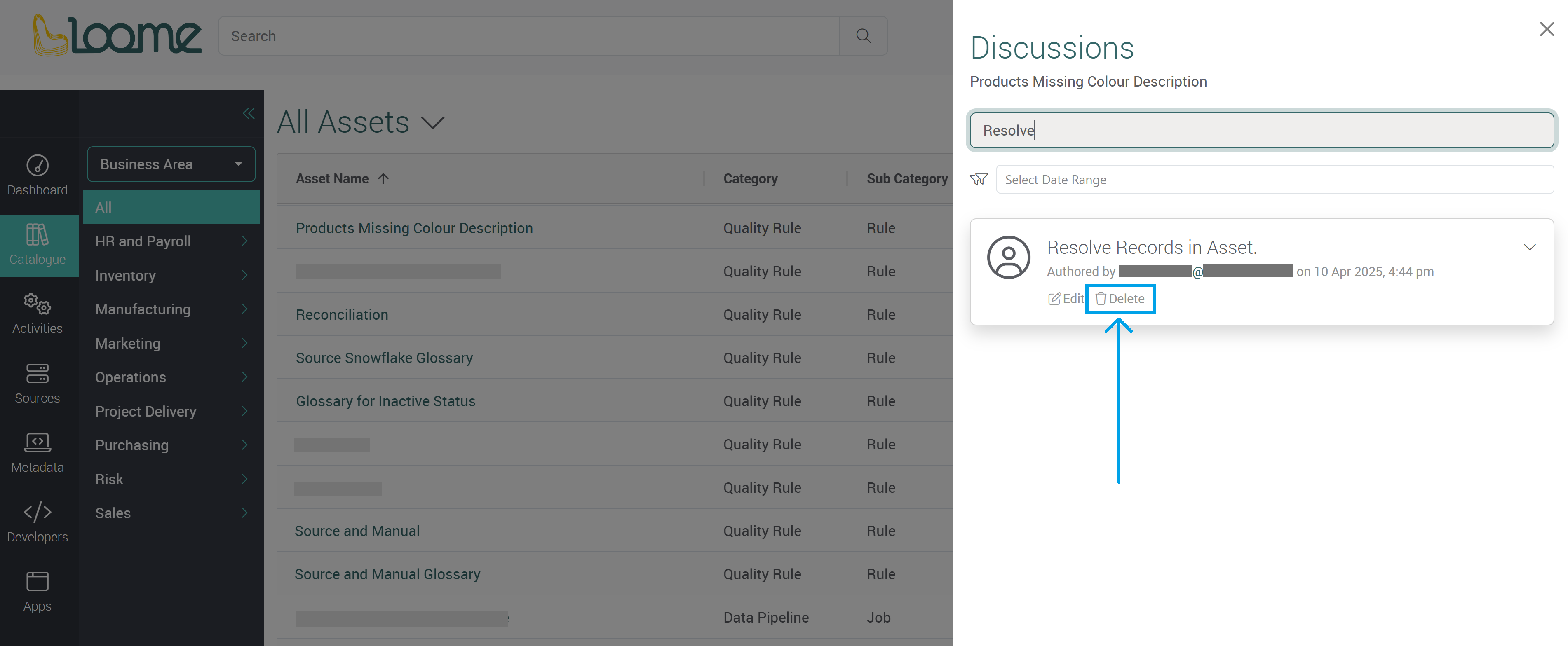
You can delete a discussion using the Delete button beneath the discussion.