Managing Job Schedules
Schedules Page
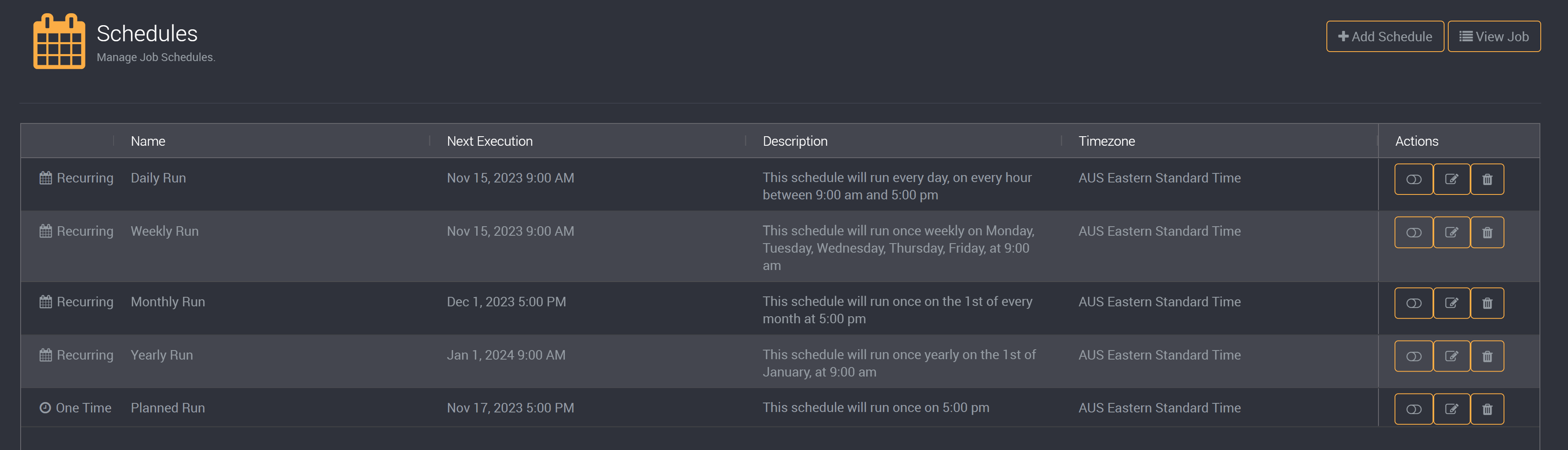
You can view and manage all schedules for a job on its schedule page.
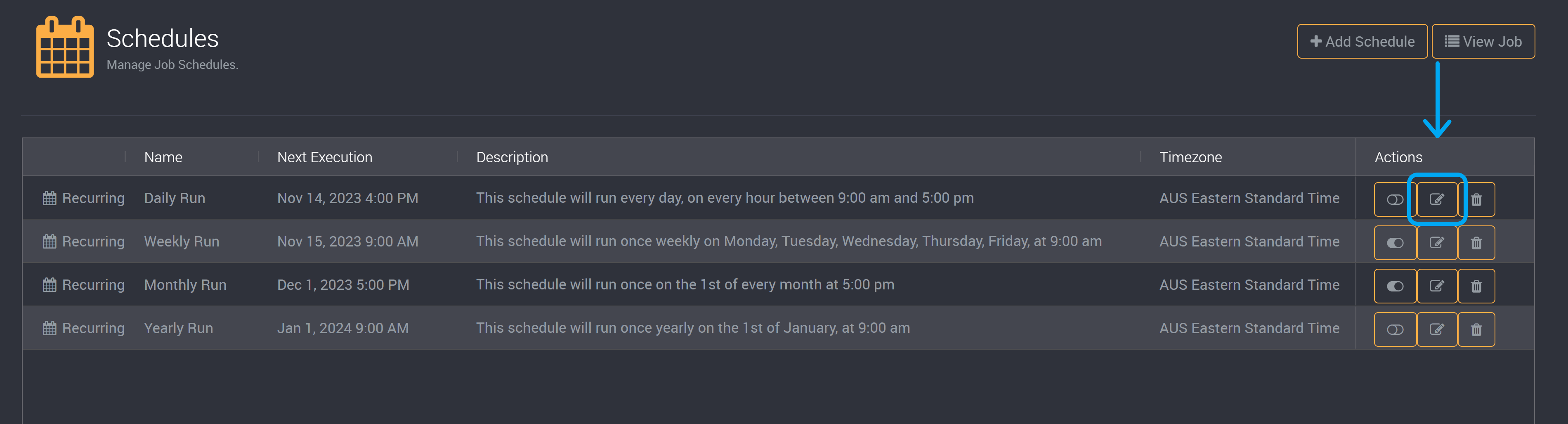
Edit Schedules
You can modify aspects of the schedule through the edit wizard. It will follow the same structure as creating a schedule.
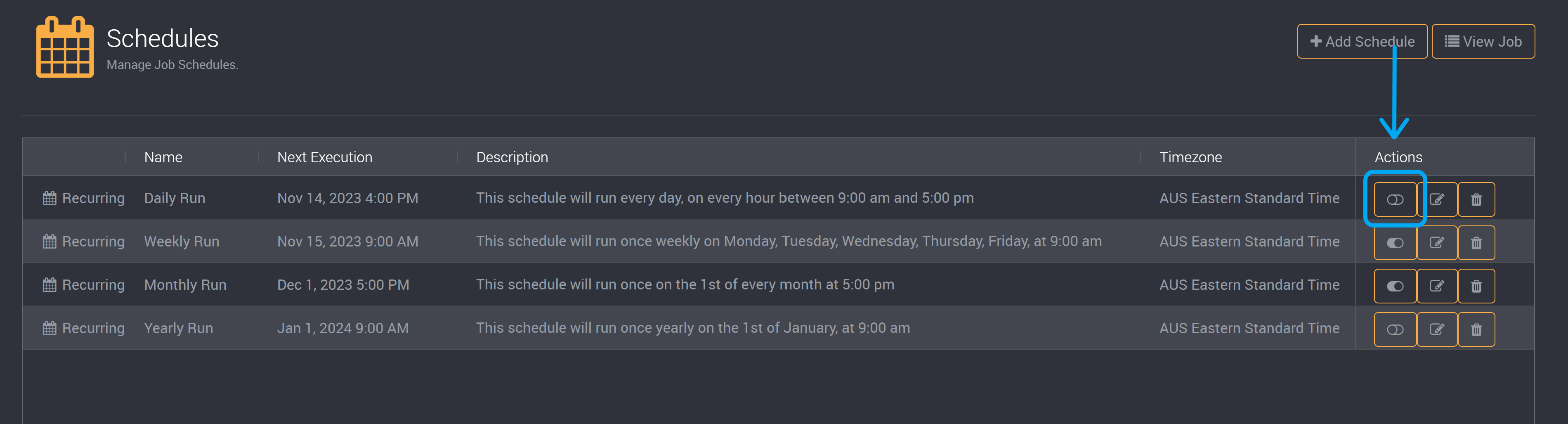
Toggle Schedule Status
You can toggle the active/inactive status of a schedule using the button on the right of its row.
Delete Schedule
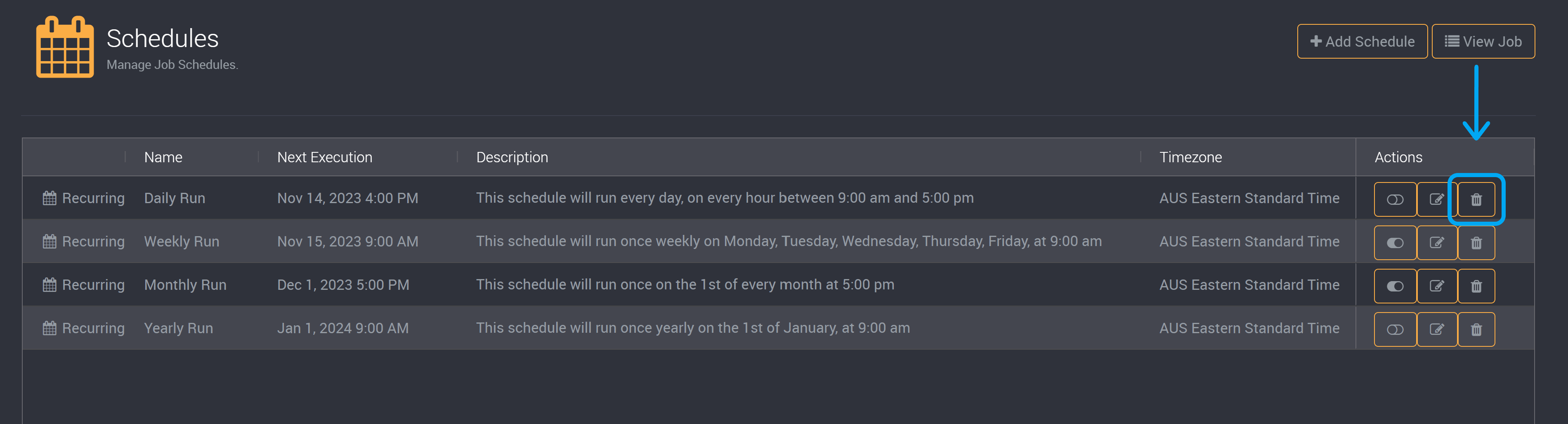
Schedules can be deleted through the delete button on each respective schedule.
Please note that deleting a schedule cannot be reverted. You will need to create a new schedule with the same details.
Please note that a recurring schedule will be automatically deleted after it has reached its selected end date. At its next scheduled run, the schedule will be deleted if it is past its end date and will not run the job.
Filter and Sort Schedules
Sort
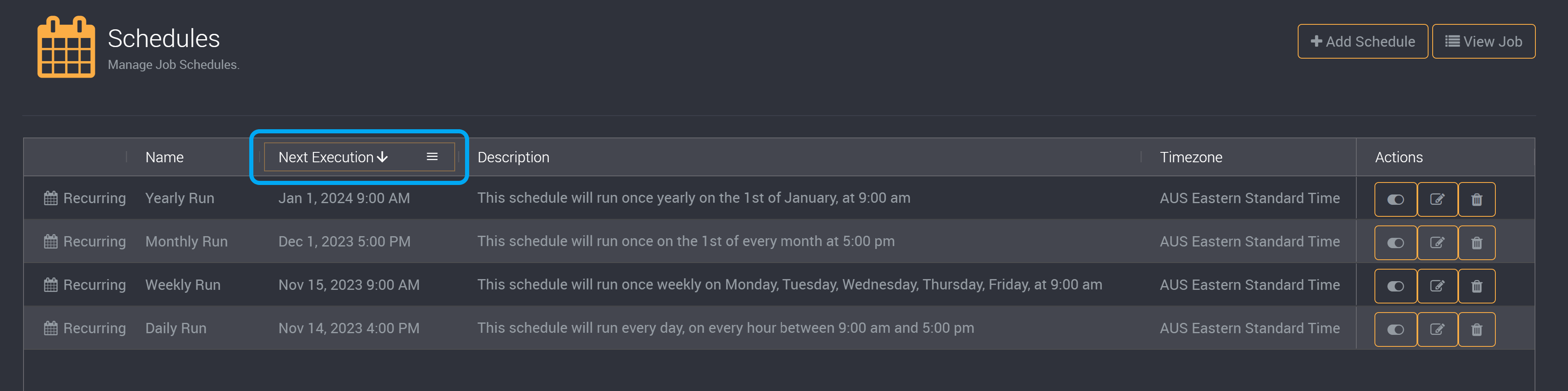
You can sort on schedules by clicking on each column title.
Filter
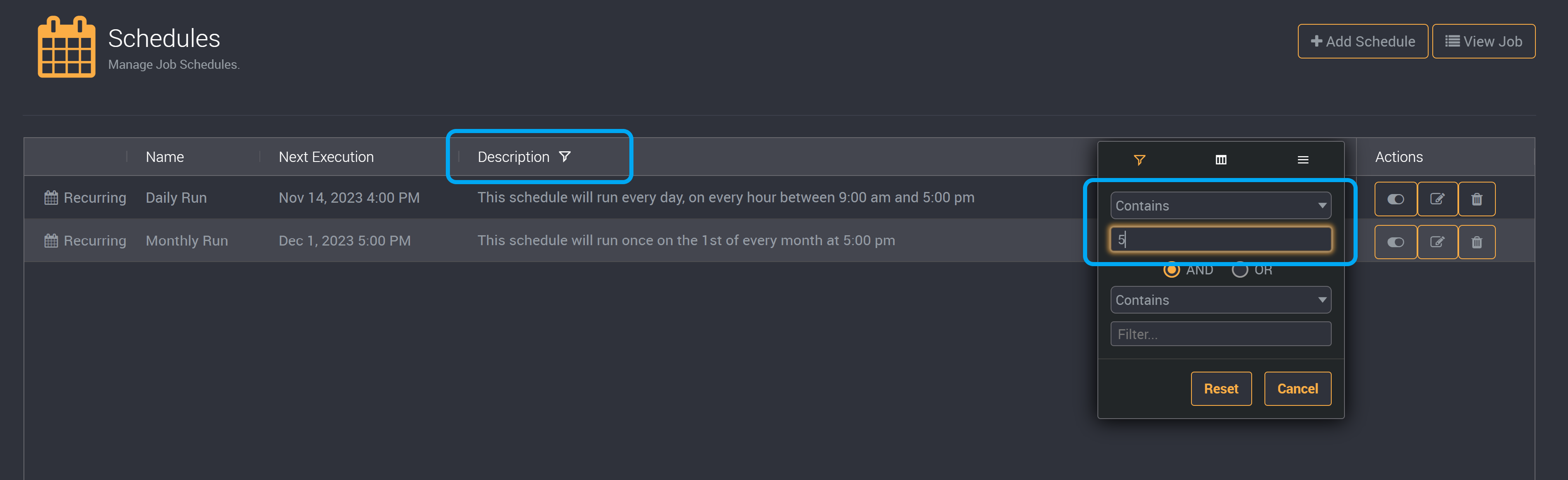
You can filter on the descriptions of schedules by clicking on the filter icon of the column.
Provide the term you would like to use to filter schedules.
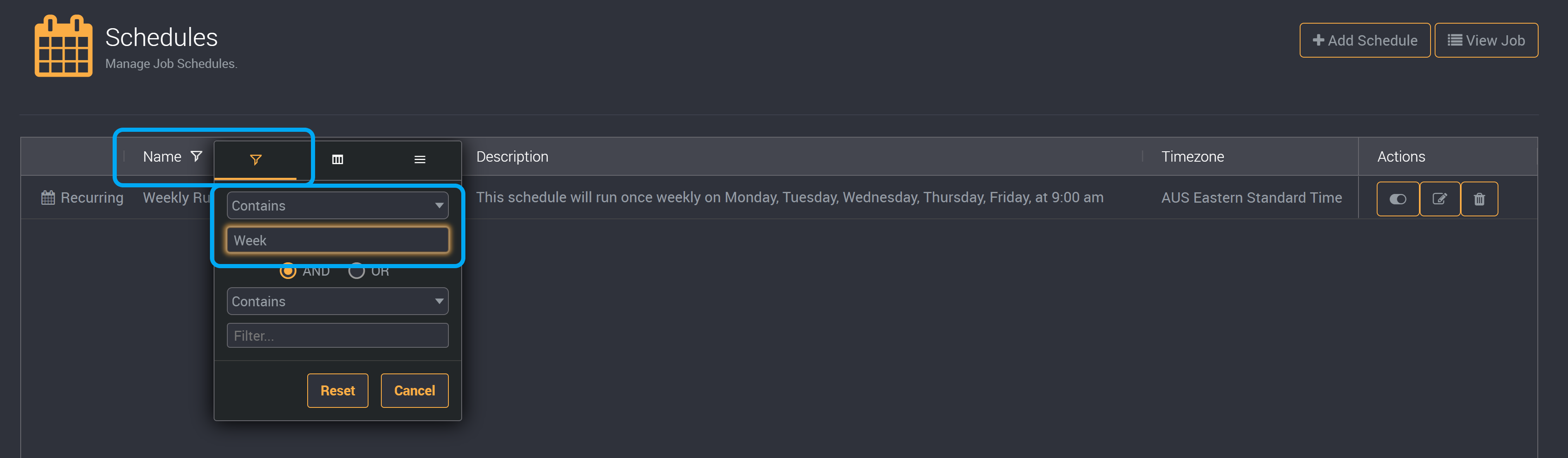
You can filter on the names of the schedules via the name column. Click on the filter icon and then provide your search term.
Enable and Disable Schedules from the Job page
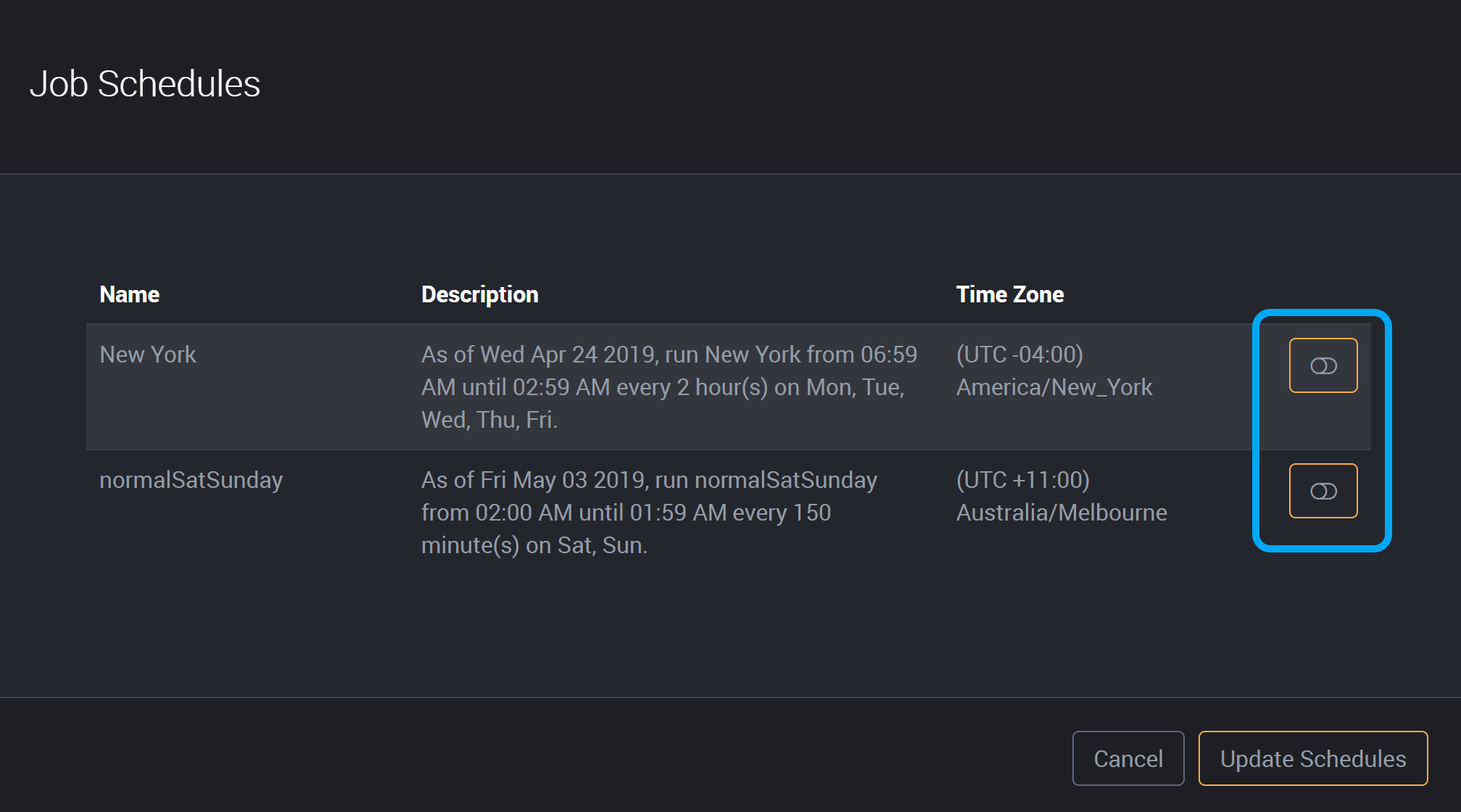
You can enable and disable schedules for a job by clicking on the schedule toggle.
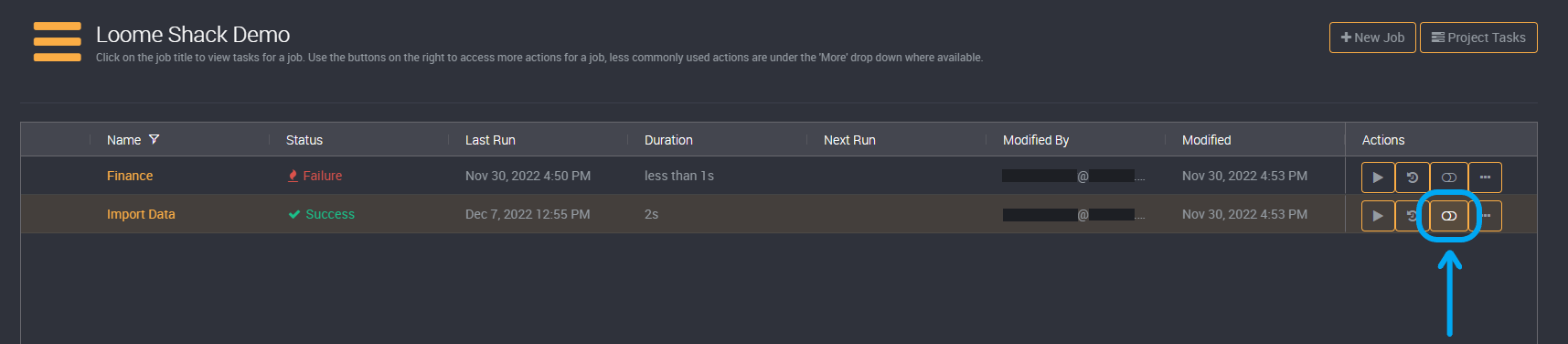
If schedules were enabled, clicking on this toggle will disable the job’s schedules.
If schedules were not enabled, this will display the option to enable your preferred schedules.
Enable the schedules that you would like to run and click on Update Schedules to save.