Manage Projects
You can manage all projects from the Manage Projects page found in the top-right dropdown menu.

On the ‘Manage Projects’ page you can create, modify and remove Loome Monitor projects.
Create a New Project
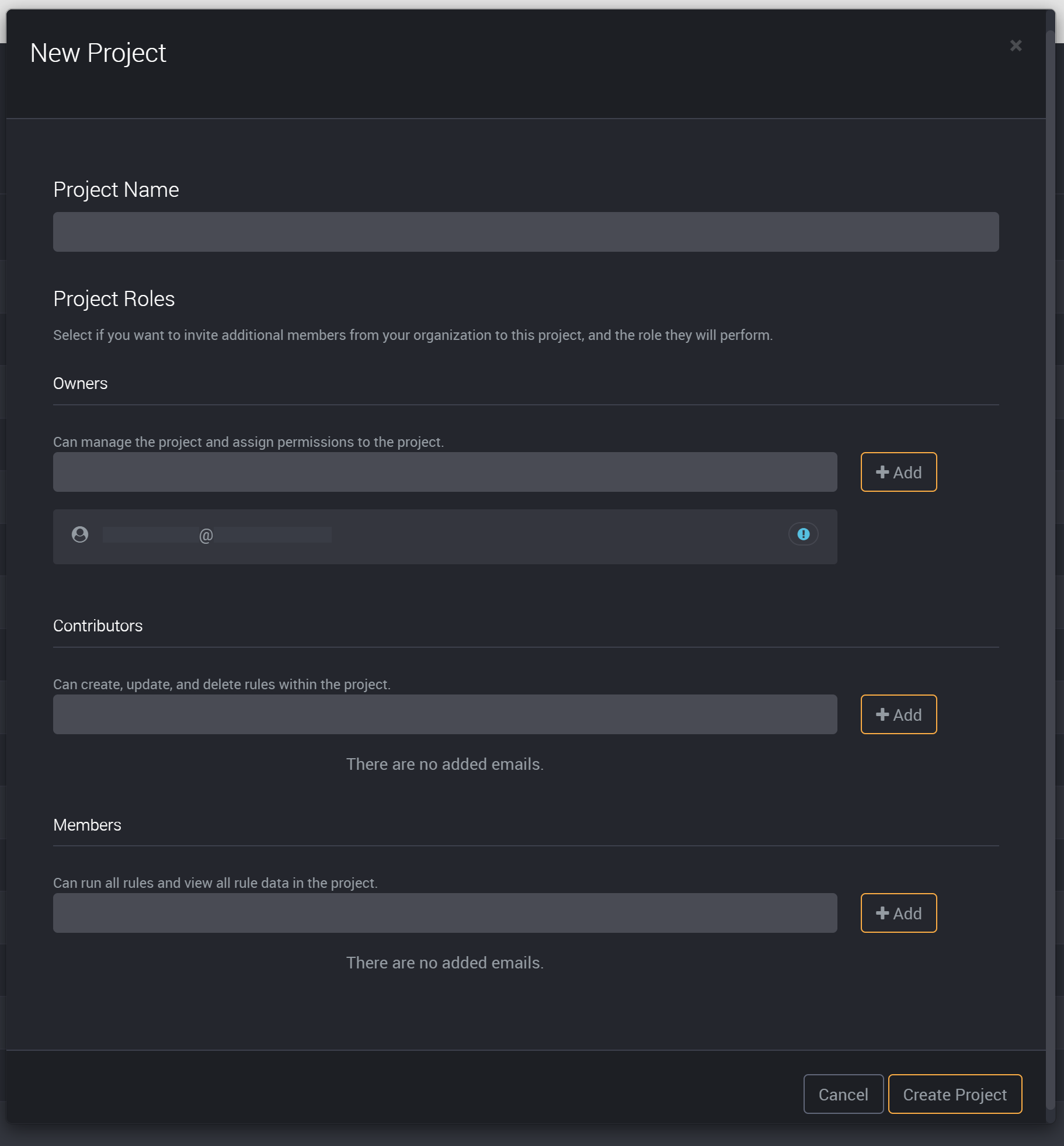
To create a new project, please click on the ‘New Project’ button at the top-right of this page.

Provide a name to easily identify this project.

Add users to your project roles to create audience targeted projects.
Click on Create Project and you can then add rules to this project.
Edit a Project
To edit the title of a project, click on the edit button on the project’s right.

Delete a Project
To delete a project, click on the bin icon on the right.

View the Rules of a Project
To view the rules that are in a project, click on the list button on the right of a project or click on the title of a project to be directed to its project page.
